
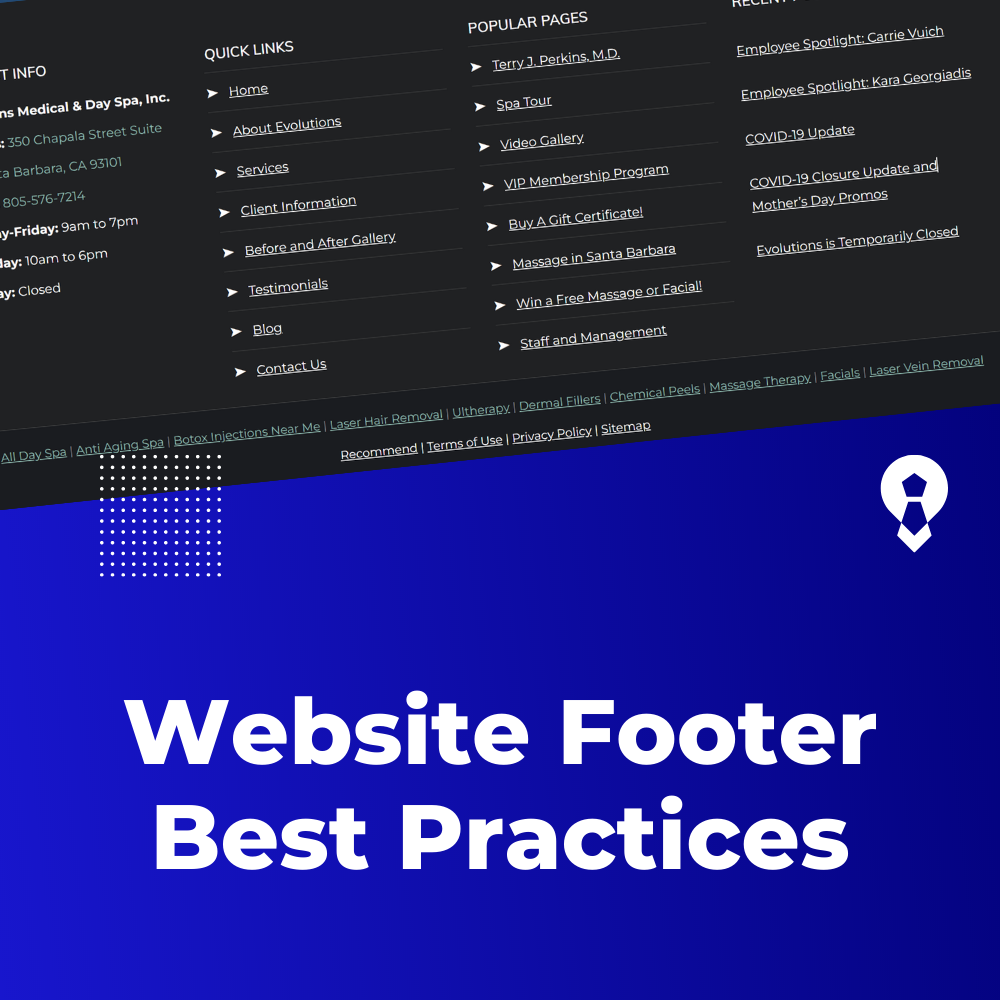
Website Footer Best Practices
Website Footer Best Practices: Enhancing Navigation and User Experience
While the header of a website grabs users’ attention, the footer plays a vital role in providing additional information, enhancing navigation, and improving overall user experience.
A well-structured footer can help visitors discover more about your site, access important links, and engage with your content. Here are some best practices for creating an effective website footer:
1. Essential Information:
Include key information such as contact details, copyright notices, and links to important pages like the Privacy Policy and Terms of Use. This information provides transparency and builds trust with your audience.
2. Navigation Links:
Include a condensed version of your main navigation menu in the footer. This allows users to access important pages without needing to scroll back up to the header.
3. Contact Information:
Reiterate contact information such as your email address, phone number, and physical address in the footer. This is especially important for businesses that want to make it easy for visitors to reach out.
4. Social Media Links:
Add icons or links to your social media profiles. This encourages visitors to connect with you on other platforms and stay updated on your latest content.
5. Site Map:
Consider adding a site map in the footer, especially if your website has a complex structure. This provides an alternative way for users to navigate your site.
6. Newsletter Signup:
If you have a newsletter, provide an option for visitors to sign up in the footer. This can help you grow your email list and keep users engaged with your content.
7. Recent Posts or Articles:
Include a section that displays recent blog posts, articles, or news updates. This encourages users to explore more of your content and stay informed.
8. Popular Categories or Tags:
Highlight popular content categories or tags in the footer. This allows users to quickly access content that aligns with their interests.
9. Back to Top Button:
Add a “Back to Top” button that appears when users scroll down the page. This makes it convenient for users to return to the top of the page without manual scrolling.
10. Copyright and Privacy:
Clearly state the copyright year and provide a link to your Privacy Policy. This demonstrates your commitment to legal compliance and user privacy.
11. Testimonials or Reviews:
If applicable, showcase positive testimonials or reviews from customers or clients. This can build credibility and trust with new visitors.
12. Awards and Certifications:
If your business has received any awards or certifications, display them in the footer. This can further establish your credibility.
13. Mobile Responsiveness:
Ensure that the footer is responsive and user-friendly on mobile devices. Test how it appears and functions on various screen sizes.
14. Design Consistency:
Maintain a consistent design style in the footer, aligning it with your overall website design. Use the same color scheme and typography to create a cohesive look.
15. Limited Links:
While it’s important to include useful links, avoid overwhelming users with too many options. Stick to the most relevant and essential links.
16. Accessibility:
Ensure that the footer is accessible to all users by providing descriptive alt text for images, using legible font sizes, and maintaining good color contrast.
A well-crafted website footer not only enhances user experience but also contributes to the overall professionalism and credibility of your site.
By implementing these best practices, you can create a footer that provides valuable information, facilitates navigation, and encourages user engagement.